
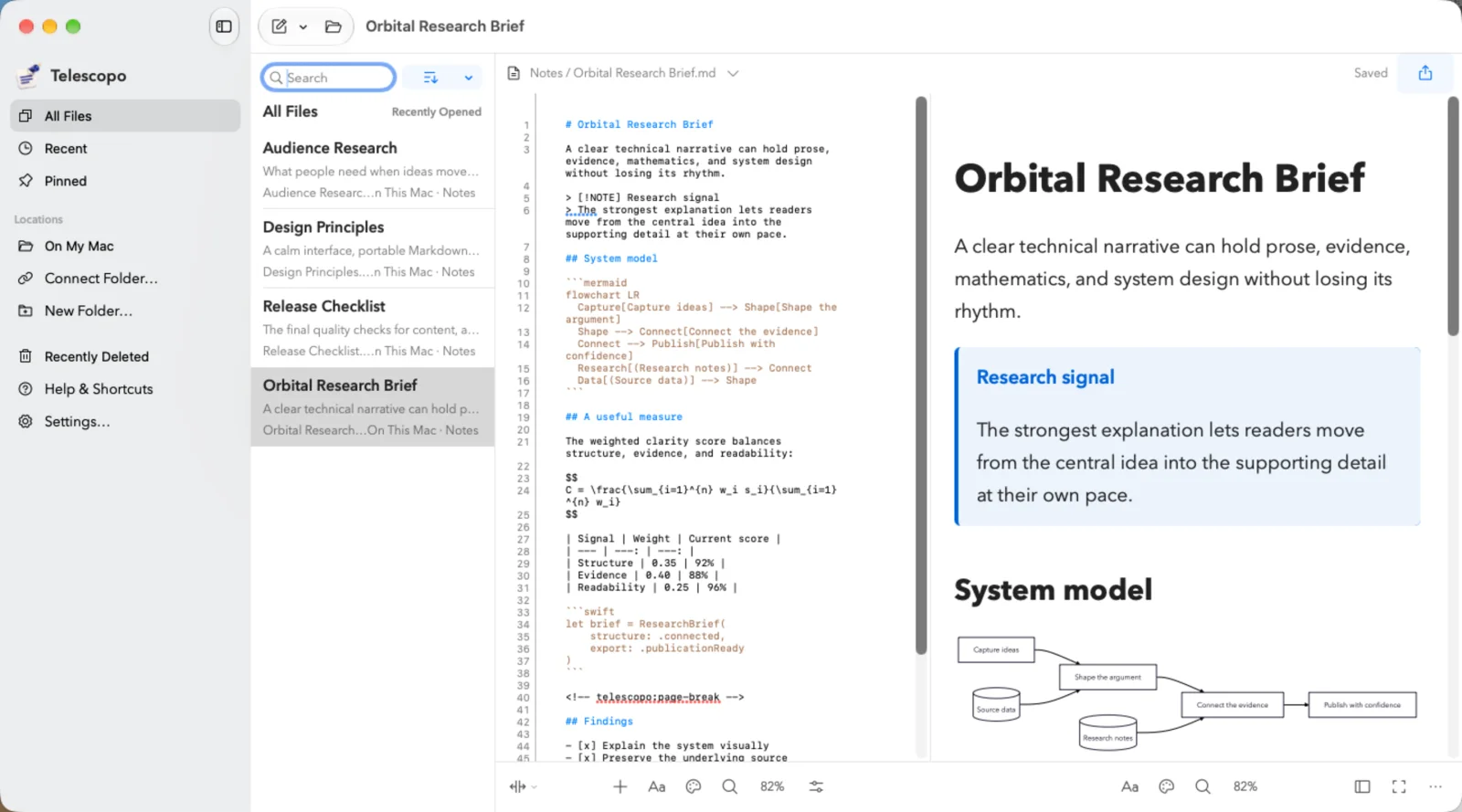
Telescopo is a Markdown notes and writing app for Mac, iPhone, and iPad. We rebuilt and redesigned it from the ground up, retaining and extending Telescopo Flavored Markdown to support a new notes workflow.
Telescopo had already grown from a Markdown viewer into Markdown Studio. It could handle demanding documents: diagrams, equations, tables, code, and a lot more than ordinary formatted text. We wanted to bring that capability into an app where you could capture a note, develop it, connect it to other work, and return to it across your devices.
That required a new library, new navigation, visual editing, and a different relationship between documents. The redesign covers how you work with a collection of notes as well as what happens inside each one.
The Markdown core is doing more work
Telescopo Flavored Markdown is central to this. It builds on CommonMark and GitHub Flavored Markdown, with Mermaid diagrams, ZenUML diagrams, LaTeX equations, callouts, footnotes, wiki links, and other document structures.
Those capabilities become useful in different ways inside a notes app. A diagram can sit beside the explanation you are still working through. An equation can be part of a research note. A wiki link can connect that note to the project it belongs to.
The links live in the documents themselves. Backlinks let you follow them in the other direction, and the graph gives you a view of how your notes connect. You can move from a detail in one document to the larger body of work around it.
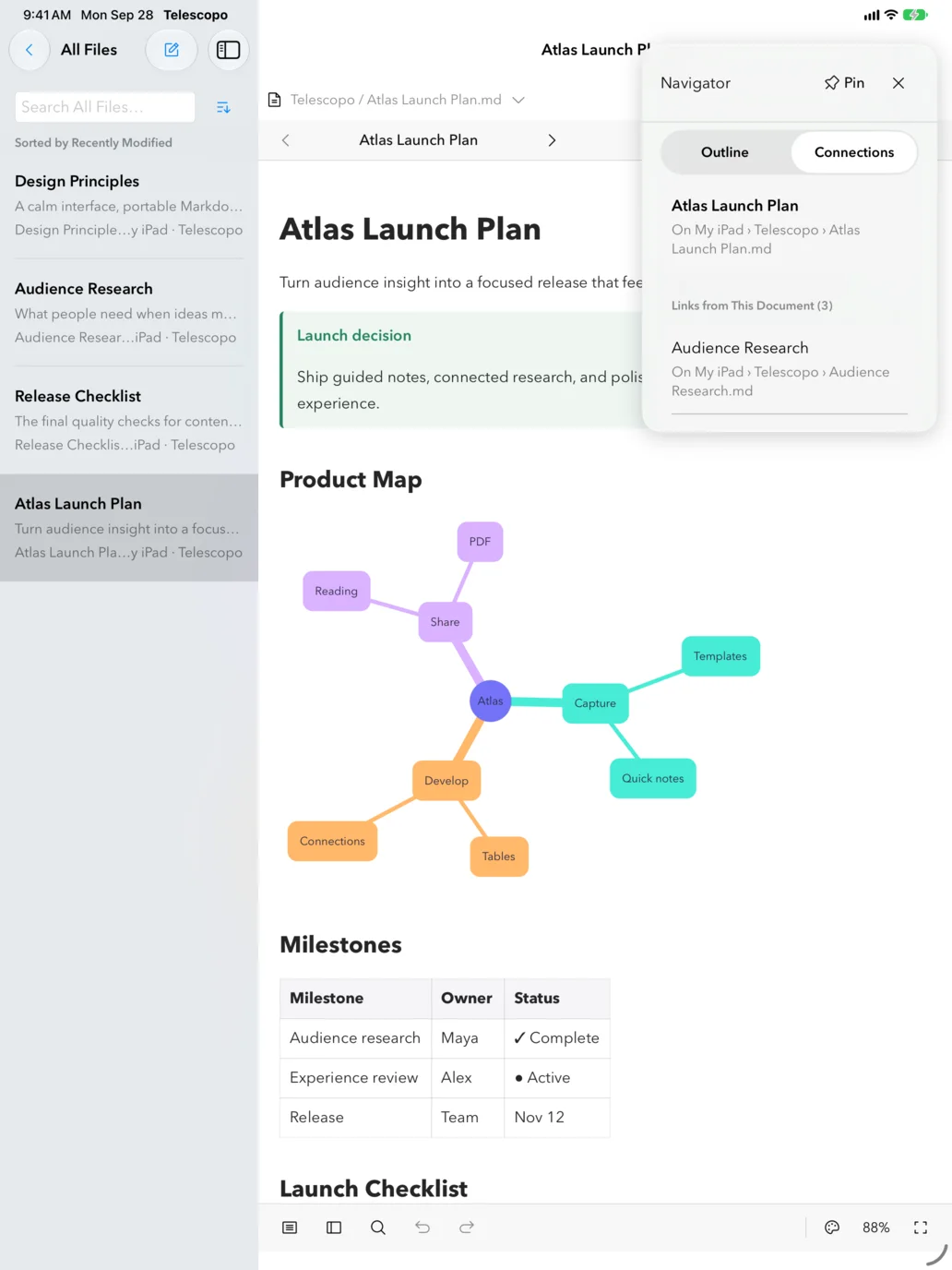
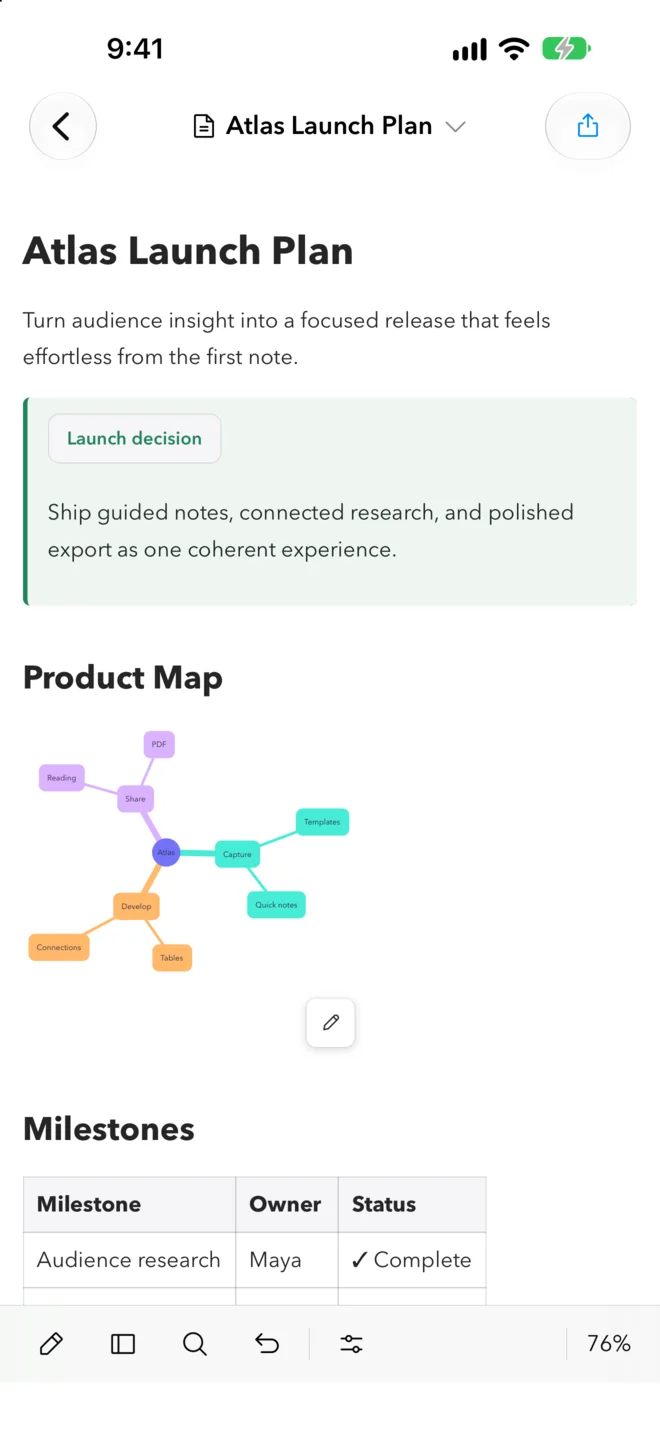
You can write visually without learning Markdown syntax. Edit text and tables directly, check off tasks, and work with the content in front of you. Markdown source is available when you want direct control, and Split view shows the source alongside the rendered document.
The source remains a readable Markdown file. Telescopo-specific features need a renderer that understands them, but your writing is accessible outside the app. That matters when you have an existing folder of notes or want to use the same files with another tool.
Building the workflow around notes
We also changed how you start. Guided notes let you choose a useful structure, decide which sections and supported elements belong in it, and preview the result before creating the document. You can save a personal layout for work you do repeatedly.
A meeting note, for example, might need decisions and action items. A research note might need references, an equation, or a diagram. The Markdown core gives those starting points something substantial to work with.
You can try a small version of this workflow with the downloadable linked-note example: keep the plan, its diagram, and a supporting research note together.
Once notes accumulate, finding your way back matters. The library brings together folders, tags, pins, recents, and search. Links and backlinks help you follow related work. The outline helps you navigate a long document. These are all parts of the new notes workflow.
Reading still matters just as much as editing. We carried forward the attention to typography, themes, page width, and zoom, along with the rendering of diagrams, math, tables, and code. A rough note can grow into a substantial document without losing those capabilities.
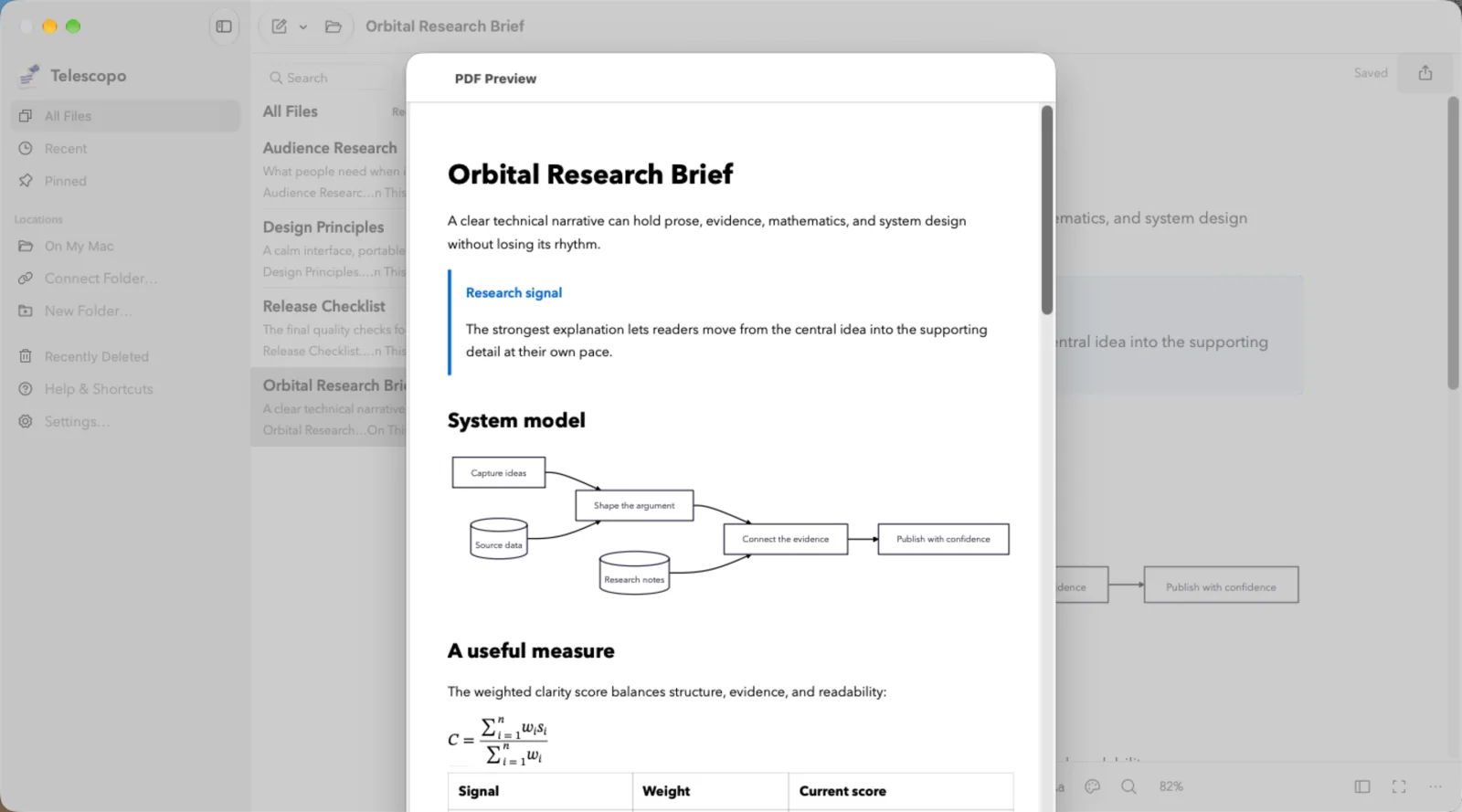
PDF export uses that same document foundation, with control over paper size, margins, orientation, theme, and intentional page breaks. Local history, recovery copies, and Recently Deleted provide ways to recover work as you write.
Mac has room for the library, editor, and reader together. iPad combines larger document views with touch. iPhone makes capture and editing available wherever you are. You can keep files locally or use iCloud Drive to continue across devices.
“Bring your thinking into focus” is the idea behind Telescopo. This rebuild gives that idea a much broader application: from a quick note to connected research, technical writing, and a finished document. The Markdown foundation supports all of it.